


Request: After purchasing the norton product, you will have a product key.
For download Norton, go to https://norton.com/setup , you will be redirected to https://my.norton.com/home/setup and do login, If you dont have an account, you need to create one. But maybe you are login when purchasing the product.

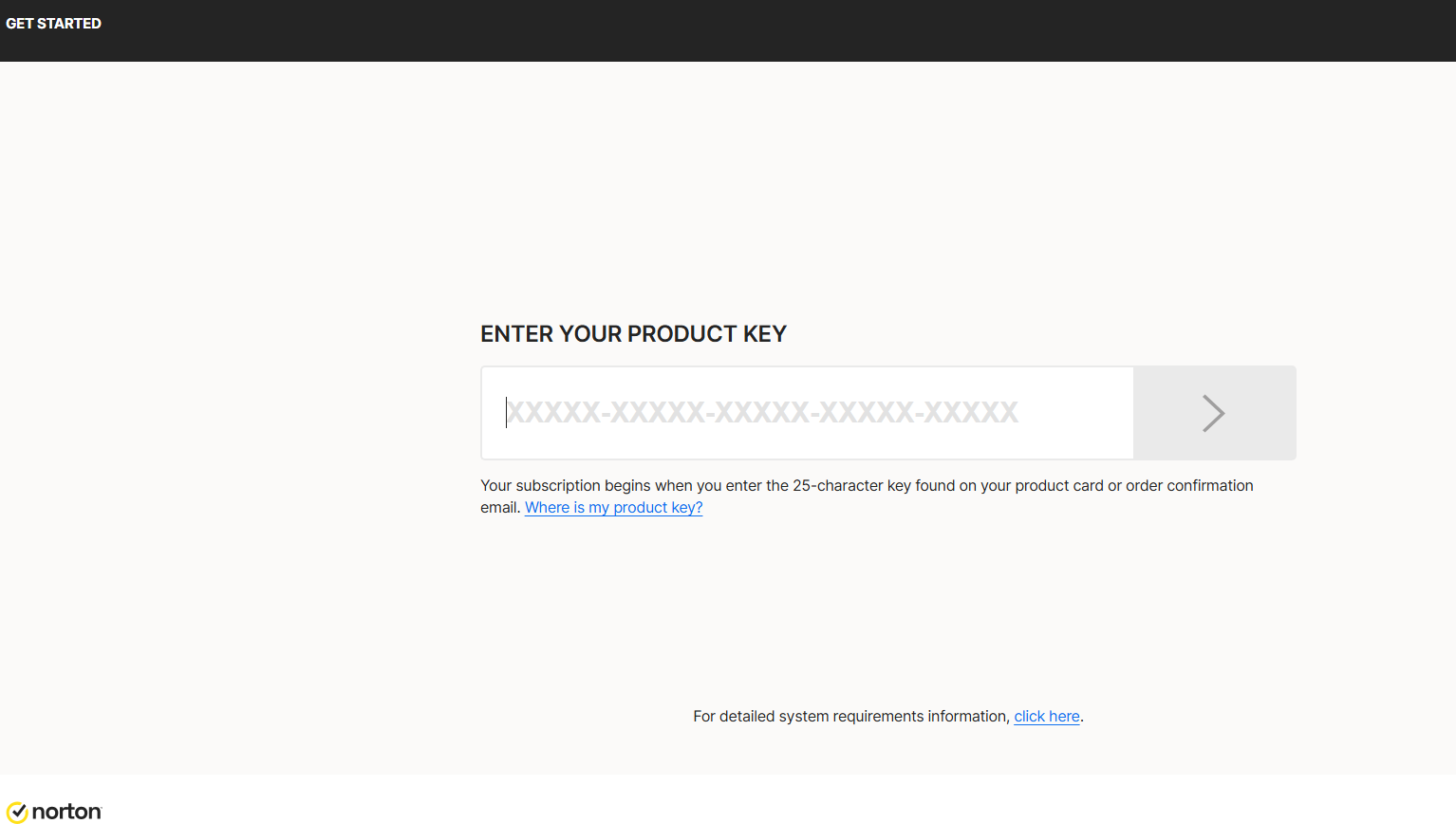
Now: You need to put your product key.
Then, you need give Authorization to renew annual subscription with your credit cart.
Insert your credit card information , filling the folllow fields:
This is for a Subscription payment authorization and automatic renewal.
And click on Start subscription.
Download the installer and execute the installer:
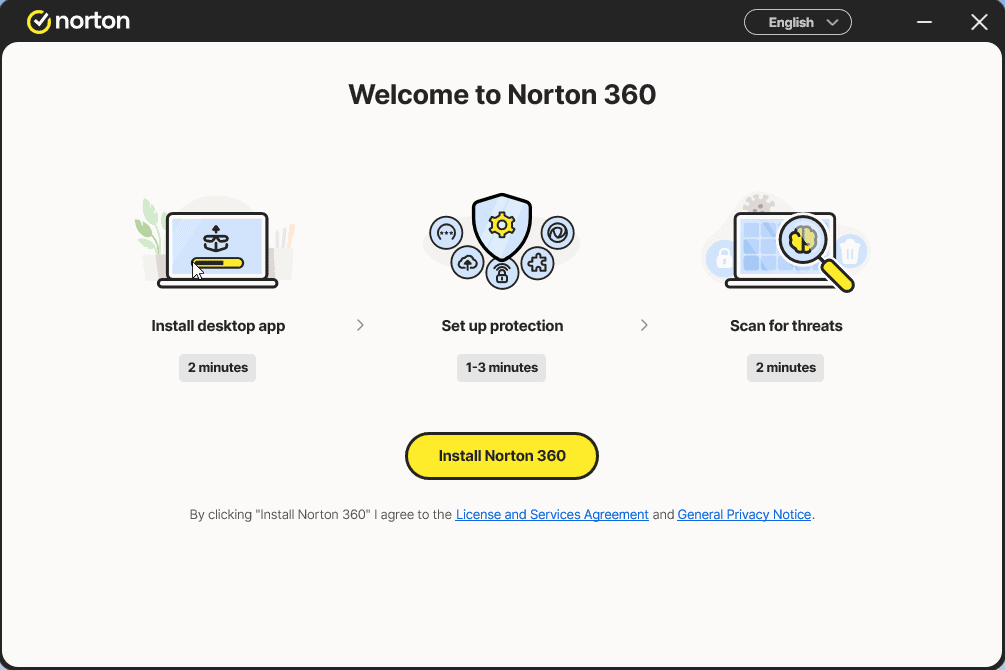
Install and log in again in the app
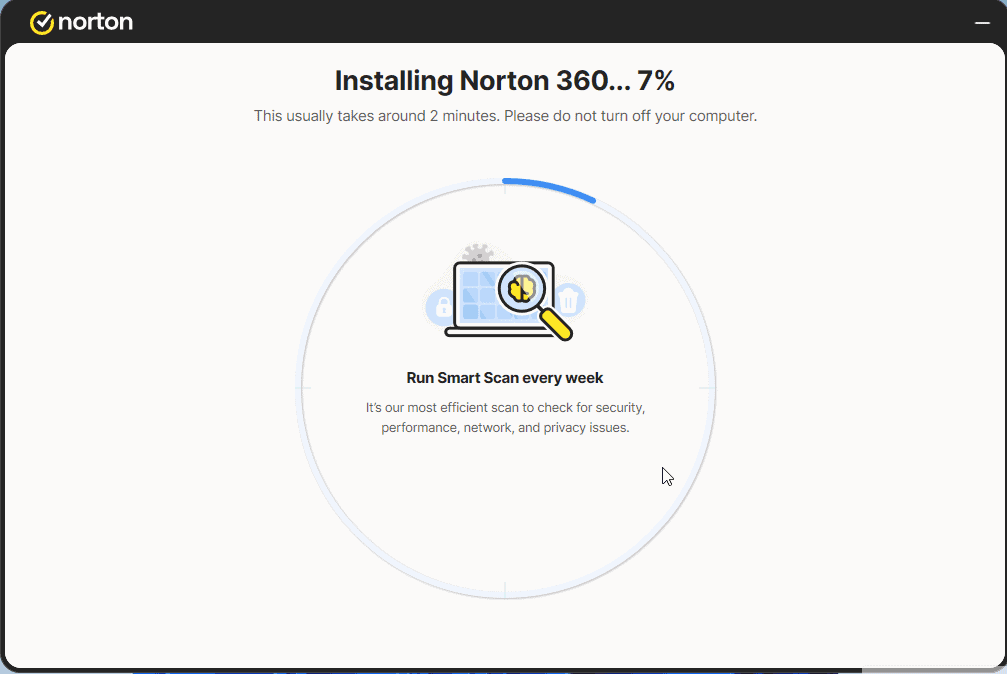
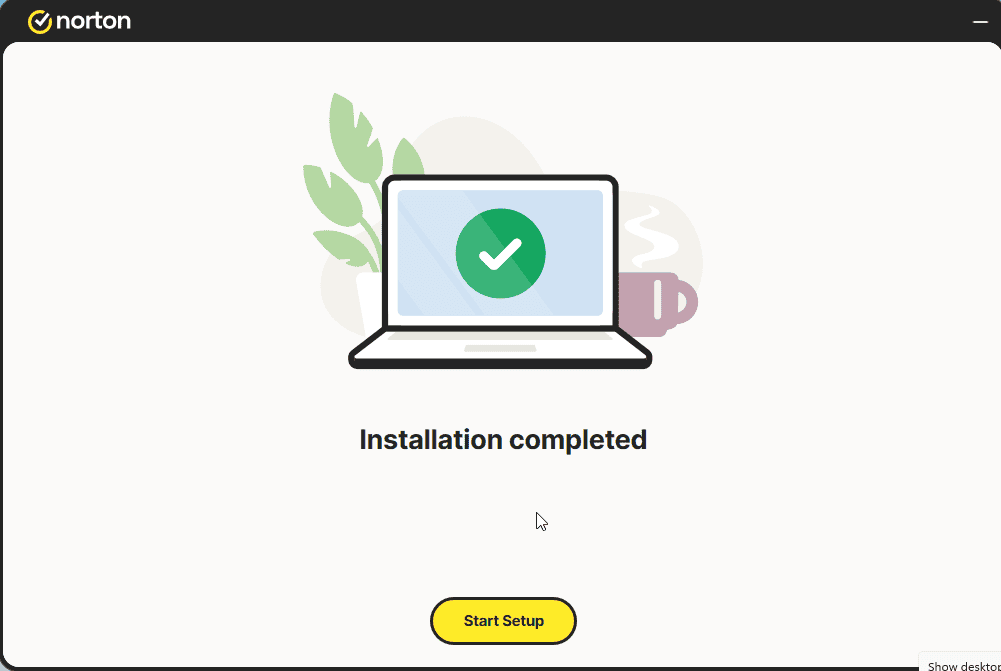
Click on Start Setup.
Config the 4 steps.
Login if necesary
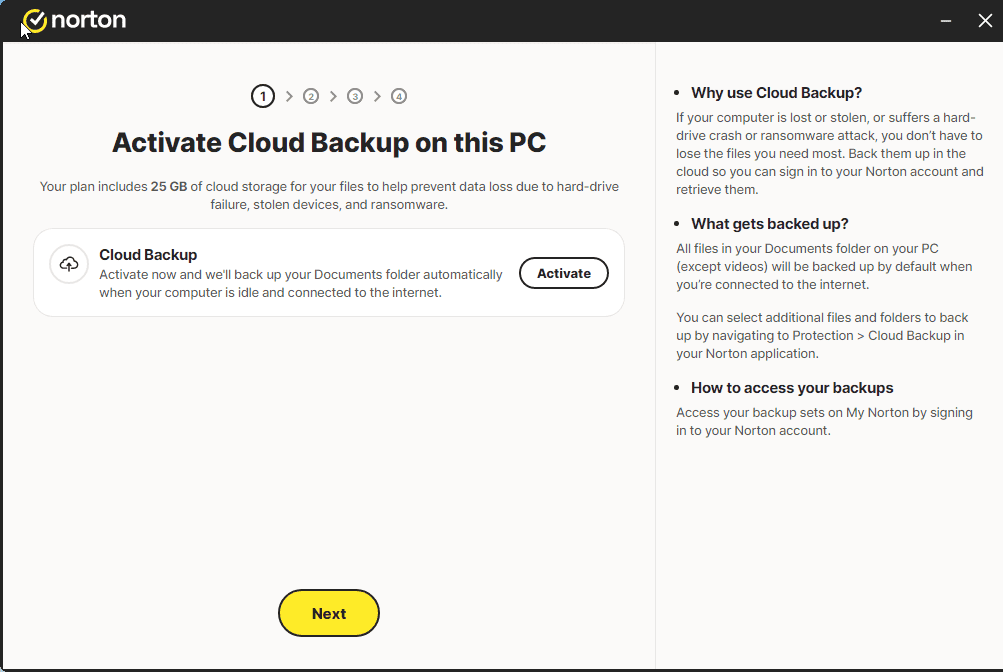
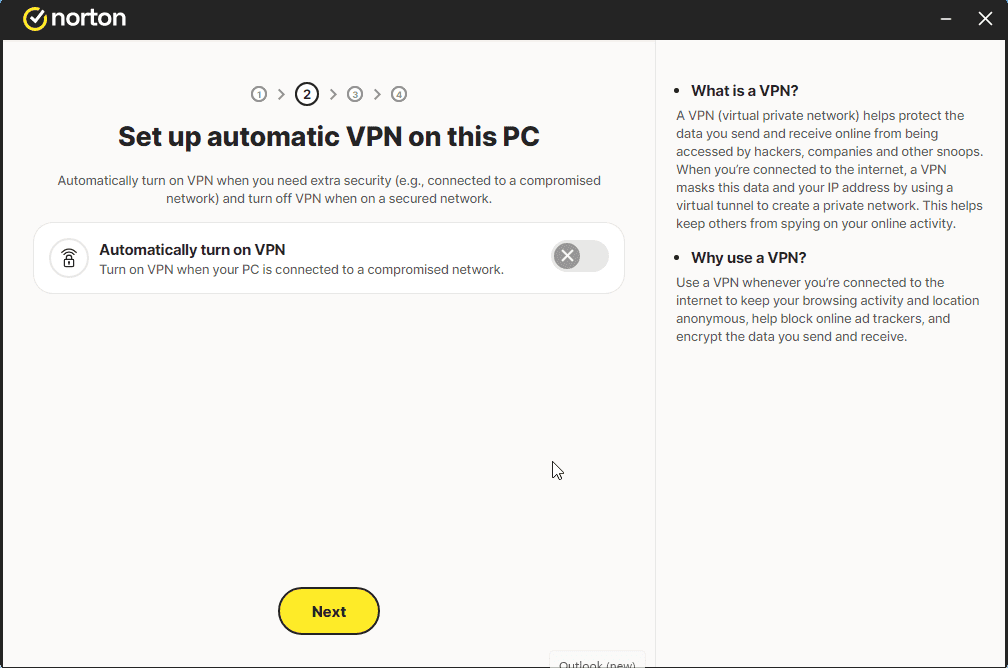
And you should have a message like the image:
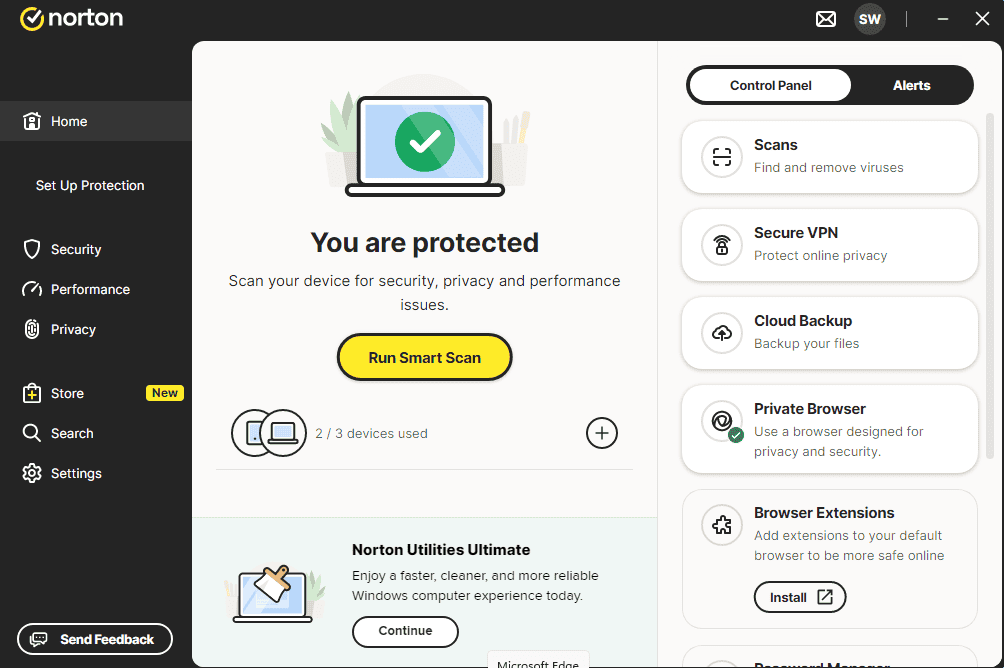
Now you can RUN SMART SCAN
 Ελληνικά
  English
  Deutsch
  Italiano
  Français
  Nederlands
  Suomi
Suomi  Norsk bokmål
  Svenska
  Dansk
Dansk  Español